How to Post Links, Images, and Videos to Multiple Facebook Groups
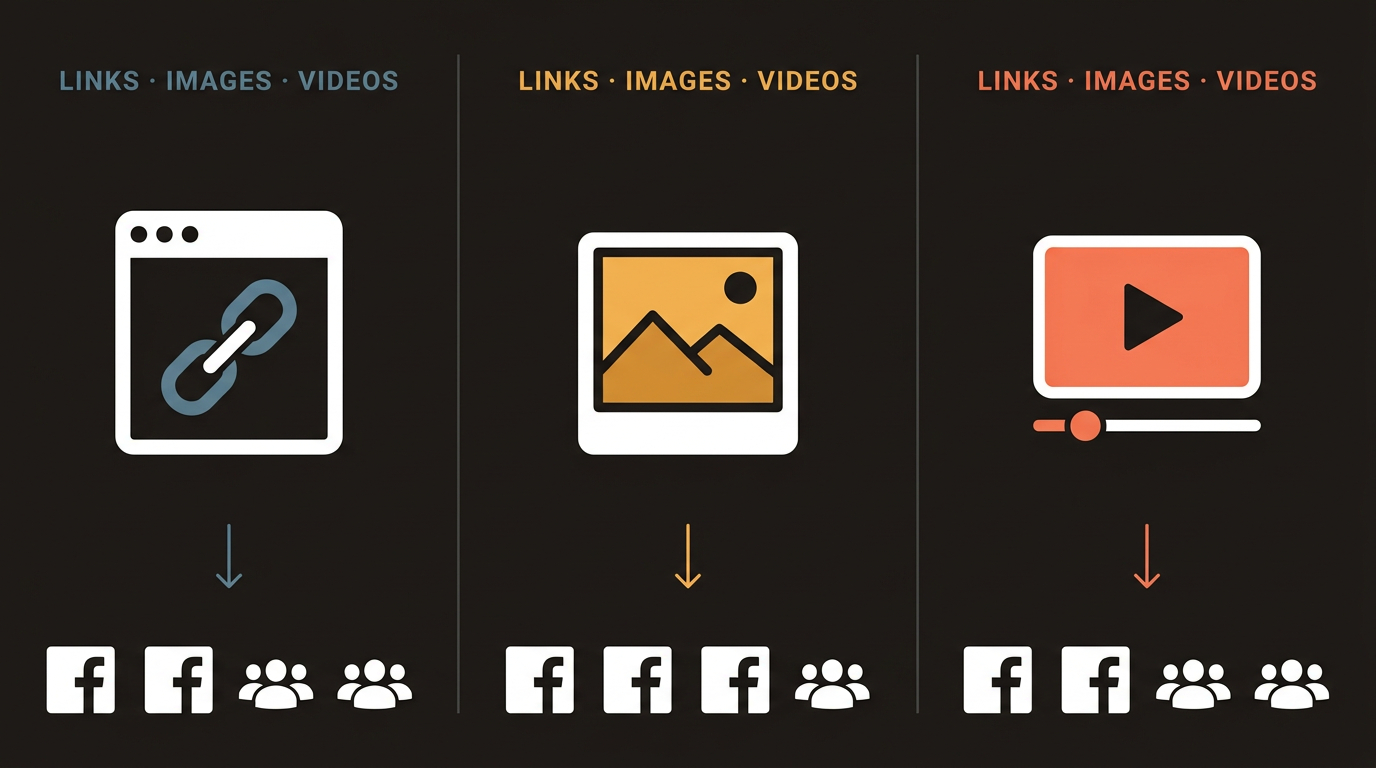
Images generate the most reliable engagement in Facebook groups. Links often get suppressed in the group feed by Facebook's algorithm, which prefers native content. Videos get strong engagement but have upload size limits and slow posting times at scale. For most multi-group campaigns, the highest-performing approach is a strong image post with the link in the first comment rather than embedded in the post body.
Most Facebook group marketers default to text posts or link posts because they’re fastest to create. That’s a mistake that costs real reach.
The type of media you attach to a Facebook group post changes how Facebook treats it in the feed, how group members react to it, and whether admins consider it promotional or valuable. Understanding the tradeoffs across links, images, and videos means you can make deliberate choices instead of posting whatever is easiest.
This guide covers the technical realities of each media type, which formats perform best in different group contexts, and how to post them at scale across hundreds of groups.
How Facebook Treats Different Media Types in Groups
Not all posts are treated equally by Facebook’s algorithm. This is true on Pages but even more relevant in groups, where the algorithm decides what gets shown prominently in the group feed and what gets filtered into the “Recent Activity” section that fewer members see.
Link posts create a preview card with an image, title, and description pulled from the linked URL. Facebook’s algorithm is demonstrably skeptical of link posts because they take users off the platform. In groups, link posts frequently receive less feed prominence than image or video posts. Some groups have rules explicitly banning link posts.
Image posts are native to Facebook. The platform prefers them because users engage with them without leaving Facebook. Images in group posts get larger preview sizes, appear more prominently in feeds, and tend to generate more reactions and comments than link previews. They also look significantly better in mobile feeds where most group browsing happens.
Video posts get the highest algorithmic preference because Facebook is invested in competing with YouTube and TikTok. Native video uploads (directly to Facebook, not YouTube links) get the widest distribution within the group feed. The tradeoff: they take longer to upload, have file size limits, and are harder to create at scale.
Text-only posts can perform extremely well in discussion-oriented groups where authentic conversation is the norm. In buy-sell and promotional groups, text-only posts tend to be ignored because there’s no visual hook.
Facebook's internal ranking for group content favors: native video > native image > text > external link. This ranking reflects Facebook's business interest in keeping users on-platform. Work with this preference rather than against it by using image posts with links in comments instead of link posts.
Posting Links: The First-Comment Strategy
The most effective way to include a link in a Facebook group post is to post the content as an image or text post, then immediately add the link in the first comment.
Why this works:
- The post itself has no link to suppress in the algorithm
- The image gets full visual prominence in the feed
- Interested members who engage with the post see the first comment first
- The link is still accessible to everyone who wants it
How to execute it correctly:
- Create your image post with a strong hook and clear value proposition
- Post it without any links in the post body
- Immediately comment on your own post with the link and a brief CTA
- The comment appears as “1 comment” below the post, which can actually increase engagement because people curious about what the comment says click through
The one caveat: some groups have rules against posting links even in comments. Check the group rules before using this strategy in a new group.
If you want to automate Facebook group posting with media, NinjaPoster’s multi-media posting feature supports this workflow — you can include an image in the post and a separate link for the first comment, and it handles both steps automatically across every group in your campaign.
When you do post a link directly, the preview image and title are pulled from your URL's Open Graph tags. If your site doesn't have proper OG tags set up, the preview will look generic or broken. Audit your landing pages with Facebook's Sharing Debugger tool (search "Facebook Sharing Debugger") to see exactly what Facebook will display when someone shares your URL.
Image Best Practices for Group Posts
Images in group posts follow different rules than images on Pages or in ads. The context is different: group members are seeing posts from other community members, not from brands. An image that looks like an ad gets ignored or removed.
What works:
- Text-on-image posts that look like something a person would create: a quote, a statistic, a tip, a question. These look native to the feed rather than promotional.
- Screenshots of results (analytics, revenue, before/after comparisons). Authenticity signals trump polish.
- Infographics that provide standalone value. If someone could save the image and share it, it’s valuable content.
- Product in context rather than product on white background. A photo of someone using your product in a real environment performs better than a studio product shot.
What doesn’t work:
- Ad-style images with large brand logos and promotional copy
- Stock photos that look like stock photos
- Highly polished images that look out of place in a community feed
- Images with excessive text (Facebook also has historical restrictions on text-heavy ad images, and the same aesthetic flags people in groups)
Technical specs for Facebook group images:
- Recommended size: 1200 x 630px (matches link preview standard)
- Minimum width: 600px
- File formats: JPG, PNG (PNG for images with text, JPG for photos)
- Max file size: 4MB for standard posts, larger files allowed but slower to upload
- Aspect ratios: 1.91:1 (landscape), 1:1 (square), 4:5 (portrait) — all render well in feeds
Video: When It’s Worth the Effort
Native video in Facebook groups gets strong distribution, but video is expensive to produce and slower to deploy at scale. Here’s when it makes sense for group campaigns:
Strong use cases for video:
- Educational or tutorial content where showing beats telling
- Testimonials — a real person talking is more convincing than a quote image
- Product demos for complex software or physical products
- Short clips (under 60 seconds) designed to hook immediately
When to skip video:
- Large campaigns where you’re posting to 100+ groups (upload time at scale is prohibitive)
- Groups with strict promotional rules (video feels more promotional to admins)
- Topics where text or image communicates the value equally well
Facebook groups support video uploads up to 4GB in size and up to 240 minutes in length. For group post campaigns, you want much shorter videos — 30-90 seconds. Anything longer loses most viewers before reaching the CTA. Most posting automation tools have reduced functionality for video posts, so test your workflow before running a large video campaign.
Posting Media to Multiple Groups at Scale
Posting an image to 5 groups manually takes a few minutes. Posting to 150 groups manually takes hours. The challenge compounds when you want to:
- Use different images for different group types
- Include a link in the first comment automatically
- Vary the post text while keeping the same image
- Track which groups received which media variant
| Media Type | Manual Posting Complexity | Automation Support | Recommended for Scale? |
|---|---|---|---|
| Link post | Low | Full | With caution (algorithm deprioritized) |
| Image post | Low | Full | Yes — best ROI |
| Image + first-comment link | Medium (two steps) | Full (NinjaPoster handles both steps) | Yes — highest reach |
| Video post | High (upload time) | Partial | For targeted campaigns only |
| Text only | Low | Full | Yes — for discussion groups |
For campaigns using image + first-comment links, the automation workflow works like this:
- You prepare your image file and your post text
- You specify a link for the auto-comment
- The tool posts the image with text to each group, then immediately comments with the link before moving to the next group
- Each group sees the image post with one comment already attached, encouraging additional engagement
This is the workflow NinjaPoster is optimized for. The full capability breakdown is on the post links, images, and videos feature page.
Matching Media Type to Group Type
Not all groups respond the same way to the same media format. Adjust your approach based on the community type:
Buy-sell and marketplace groups: Image posts perform best. Members are in a browsing mindset and make quick decisions based on visuals. Link posts to external sites often get ignored or removed.
Discussion and niche interest groups: Text posts with high intellectual or community value perform well. Images work but need to look organic, not promotional. Video with genuine insight gets strong engagement.
Local community groups: Local context matters more than media format. A simple image that references the local area will outperform a polished generic image. First-person text posts from a real community member identity work well.
Business and entrepreneurship groups: Statistics, results, and case studies presented as image posts (text-on-image or data visualizations) get the most saves and shares.
Facebook group marketing strategy and group selection decisions are covered in depth in the Facebook group marketing strategy guide.
- Facebook's algorithm ranks content by preference: native video > native image > text > external link. Image posts get better feed placement than link previews in groups.
- The first-comment link strategy beats link posts for reach: post the image or text without a link, then immediately comment with your URL. More reach, more comments, link still accessible.
- Use text-on-image or screenshot-style images for group posts, not ad-style visuals with large logos. Native-looking content gets better engagement and fewer admin removals.
- Native video gets the highest algorithmic reach in groups but is impractical for large-scale campaigns due to upload time and complexity.
- Optimal image size: 1200x630px (1.91:1 ratio), JPG or PNG, under 4MB.
- Adapt media type to group context: images for buy-sell groups, text posts for discussion groups, local-relevant images for community groups.
- NinjaPoster handles image + first-comment link workflows automatically at scale.
Related Reading
Ready to automate your Facebook group marketing?
NinjaPoster posts to hundreds of groups automatically — safely and organically. Start your 7-day trial today.